
Lattice, wherever you work.
Draft, edit, and submit performance reviews without leaving the conversation.
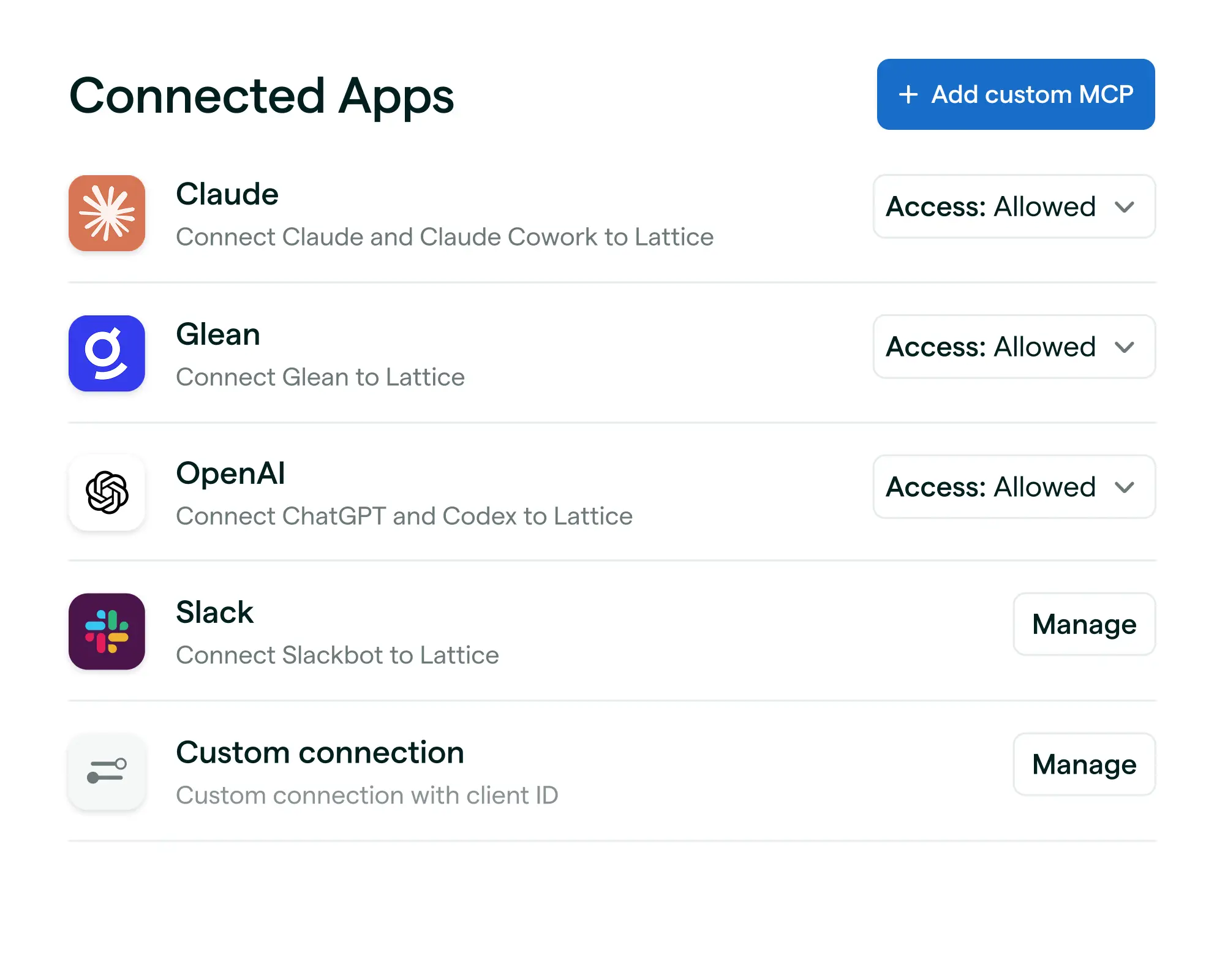


Lattice MCP
Bring Lattice context into the AI tools your company uses everyday.
Review Writing
Draft, edit, & submit reviews with context from goals, feedback, 1:1s, and more.
1:1s Preparation
Prepare for people conversations with team context, progress, and blockers.
Secure Permissions
Answers are scoped to the Lattice access each user already has.
Data Connector
Combine Lattice data with Notion, Jira, Salesforce, and more.
Get started with the Lattice MCP
We've rounded up the best HR AI skills and prompts you can use to help with feedback, employee engagement, performance management, and more.
Connect the dots between the people programs that matter most
No more silos. Lattice surfaces data from all your people programs in one place.
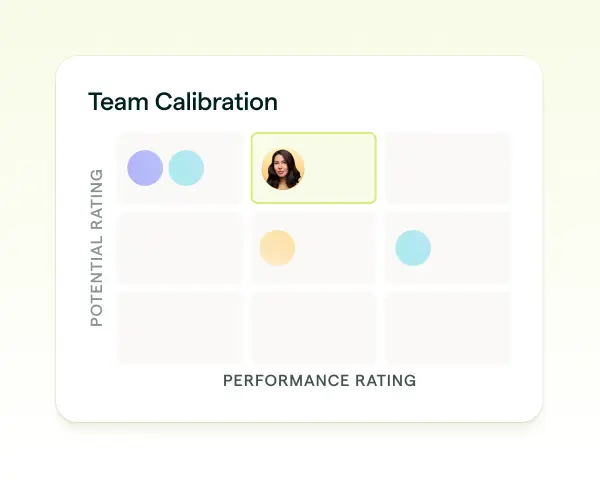
Performance
Manage and uplevel performance with AI-powered talent tools that drive results and long-term growth.
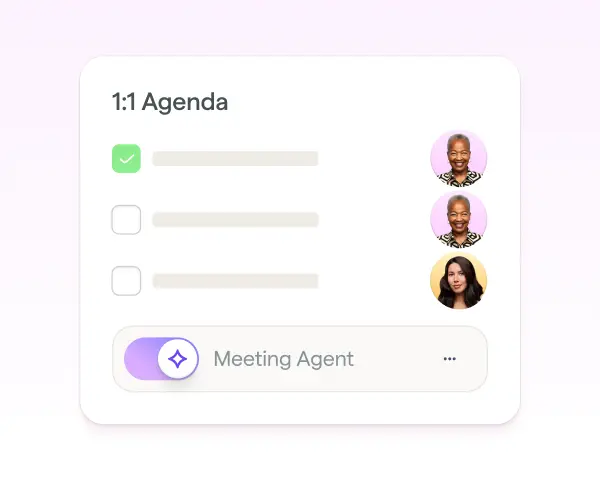
1:1s
Ensure productive, regular communication between managers and reports.
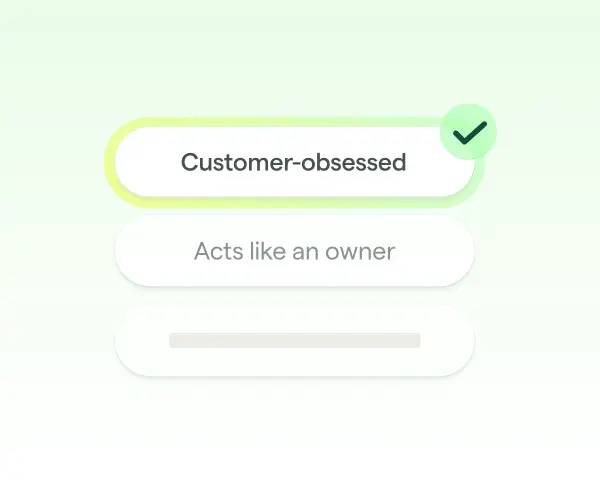
Feedback
Share impactful employee feedback in real time to guide growth all year long.
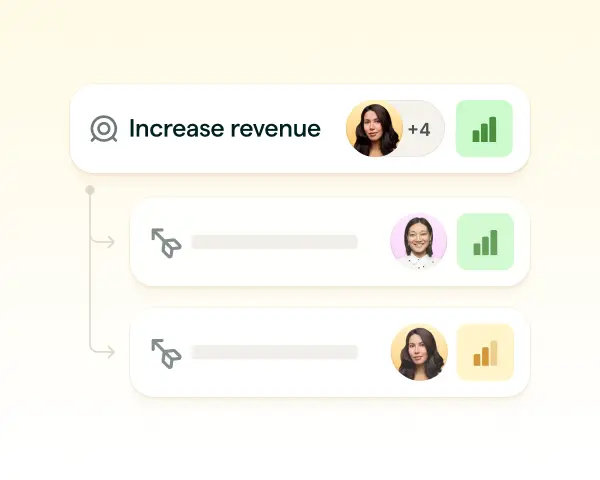
Goals & OKRs
Connect goals to how you manage, grow, and reward your people.
Bring Lattice into the flow of work
Use these resources to help you set up Lattice MCP, explore key use cases, and bring people context into ChatGPT, Claude, and beyond.
Get started in Slack
Connect Lattice MCP to Slack, so you can stay up to date, take action, and use Lattice context without switching tools.
Get started in ChatGPT
Connect Lattice MCP to ChatGPT and Codex, so your teams can use Lattice context in their everyday AI workflows.
Get started in Claude
Connect Lattice MCP to Claude Chat and Code, so your teams can use Lattice context in their everyday AI workflows.
Frequently Asked Questions
What is Lattice MCP?
Lattice MCP is a secure connector that lets external AI tools (like Claude, ChatGPT, and more) access and act on Lattice data. For example, employees and managers can draft, edit, and submit performance reviews in Lattice without leaving their conversation. Their responses will be rich in Lattice context from previous reviews, 1:1s, feedback, goals, and weekly updates.
What data can Lattice MCP access?
The Lattice MCP Server is designed so that connecting an AI tool never widens user access to Lattice data. It uses the same login, the same permissions, and the same boundaries you already have in the Lattice UI. Lattice MCP will first be able to pull context from performance reviews, 1:1s, feedback, goals, and weekly updates.
What problem does MCP solve?
Lattice MCP helps you avoid switching tabs, exporting data, and copying information between Lattice and external AI tools. It brings Lattice context into the AI assistants they already use so they can complete workflows faster.
Is Lattice MCP a feature of Lattice AI?
No. This differs from Lattice AI, the AI features built into the Lattice product itself. You don't need the MCP Server to use Lattice AI, and the MCP Server doesn't connect Lattice AI to outside tools. Think of Lattice AI as AI inside Lattice, and the MCP Server as the bridge that lets your AI assistant reach into Lattice.
Once connected, can I manage access by role?
The best place to control who can use the Lattice MCP is in your AI system. Most enterprise AI systems let IT administrators choose which roles may access a given MCP Server.



Your people are your business
Ensure both are successful with Lattice.